
Help centre
One article for every screen — what it is for, the story that put it there, what the system does, who can open it. Inside the app, press F1 or the ? in the header and the same article opens beside the screen.
Inside the app: F1
On any screen, press F1 or the ? in the header. The article opens beside the screen with the step-by-step.
Ask the assistant
The corner button on every page answers from the product's own help, cites the screen, and says when it does not know.
Watch the walkthrough
Ninety seconds from the front desk to the discharge, recorded on the demo hospital.
Talk to a person
E-mail, WhatsApp, or the phone line a hospital plan gets for the first month after go-live.
Developers
The integration API, webhooks, FHIR bundles, the Postman collection and the sandbox key.
What's new
Every release, newest first, with the screens it changed and the story behind each.

Getting started — a new hospital's first week
Eight screens, in the order a new hospital fills them. Each one links to its article.
- Hospital profileName, address, GSTIN and registration number — they print on every document.
- Doctors & schedulesEach doctor gets a login, a department and consulting hours.
- Tariff / servicesRegistration, consultation, tests and procedures with GST where it applies.
- Wards & bedsAdmissions need a bed; the board and the census follow.
- Users & rolesLogins for the front desk, nurses, pharmacy and billing.
- PatientsRegister the first patient — with ABHA if they have one.
- OPD queueToken, consultation, prescription, bill: a day in miniature.
- BillingRaise a bill, take a receipt, print it on your letterhead.
By module
Every screen has an article: what it is for, the story that put it there, what the system does, who can open it.
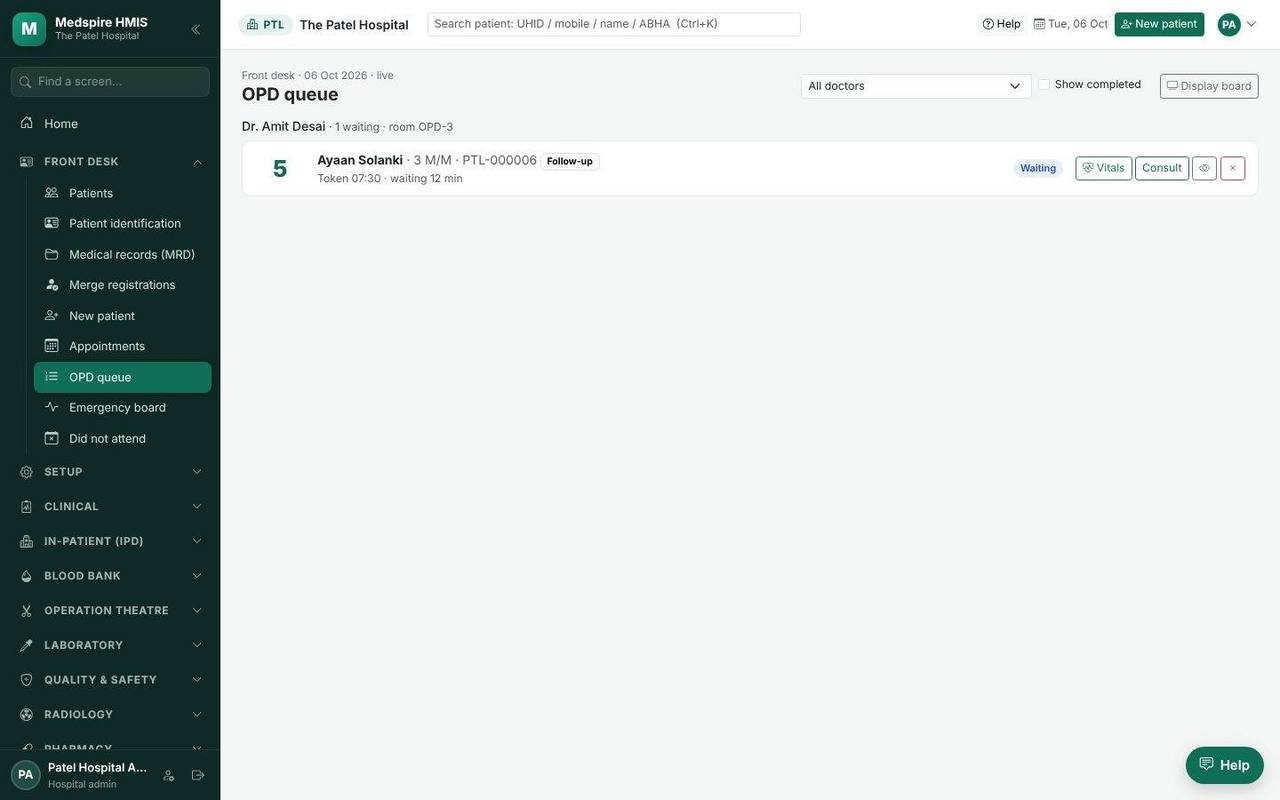
Front desk
Registration with ABHA, appointments, the OPD queue, emergency board, wristbands, medical records, merges and the patient's own portal.
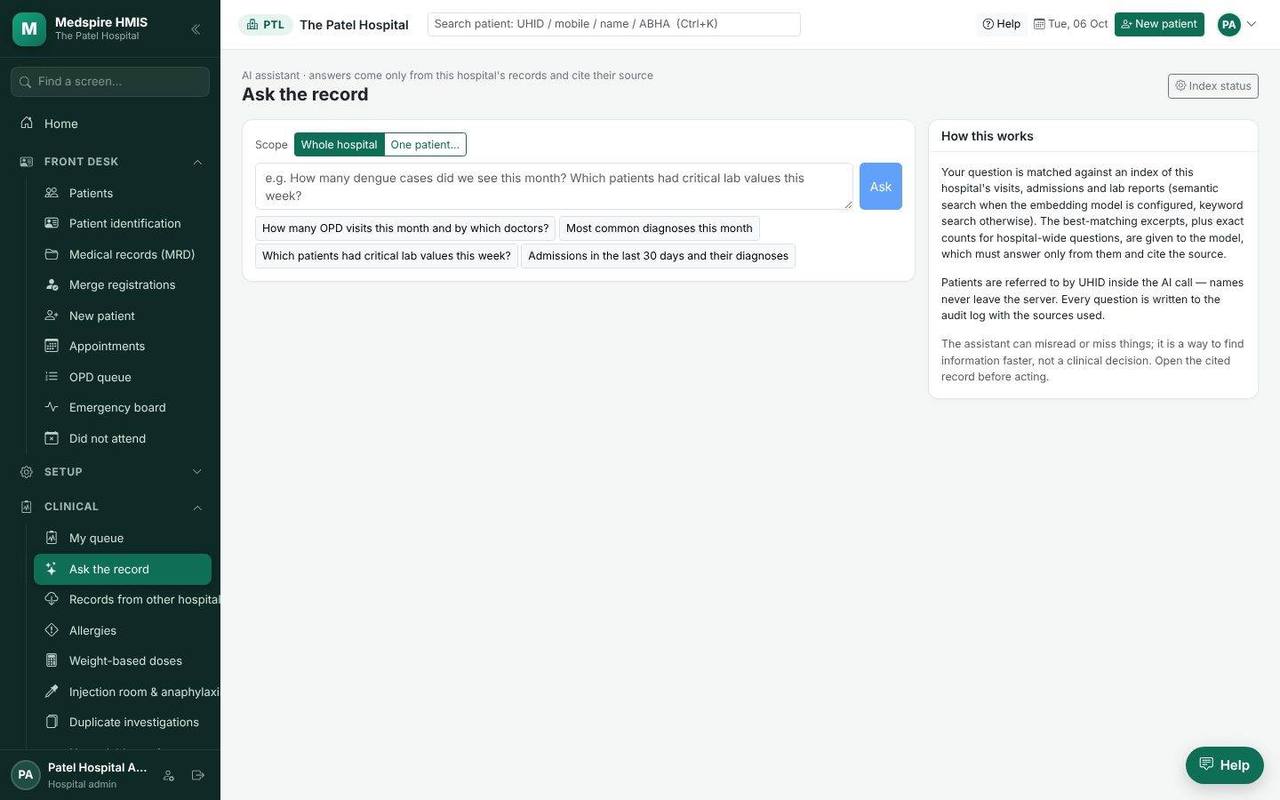
Clinical
Consultation, e-prescription with interaction and dose checks, dictation in Indian languages, vitals, allergies, referrals, tele-consultations, medical certificates, diabetic foot reviews, discharge summaries and the clinical decision support that reads the chart.
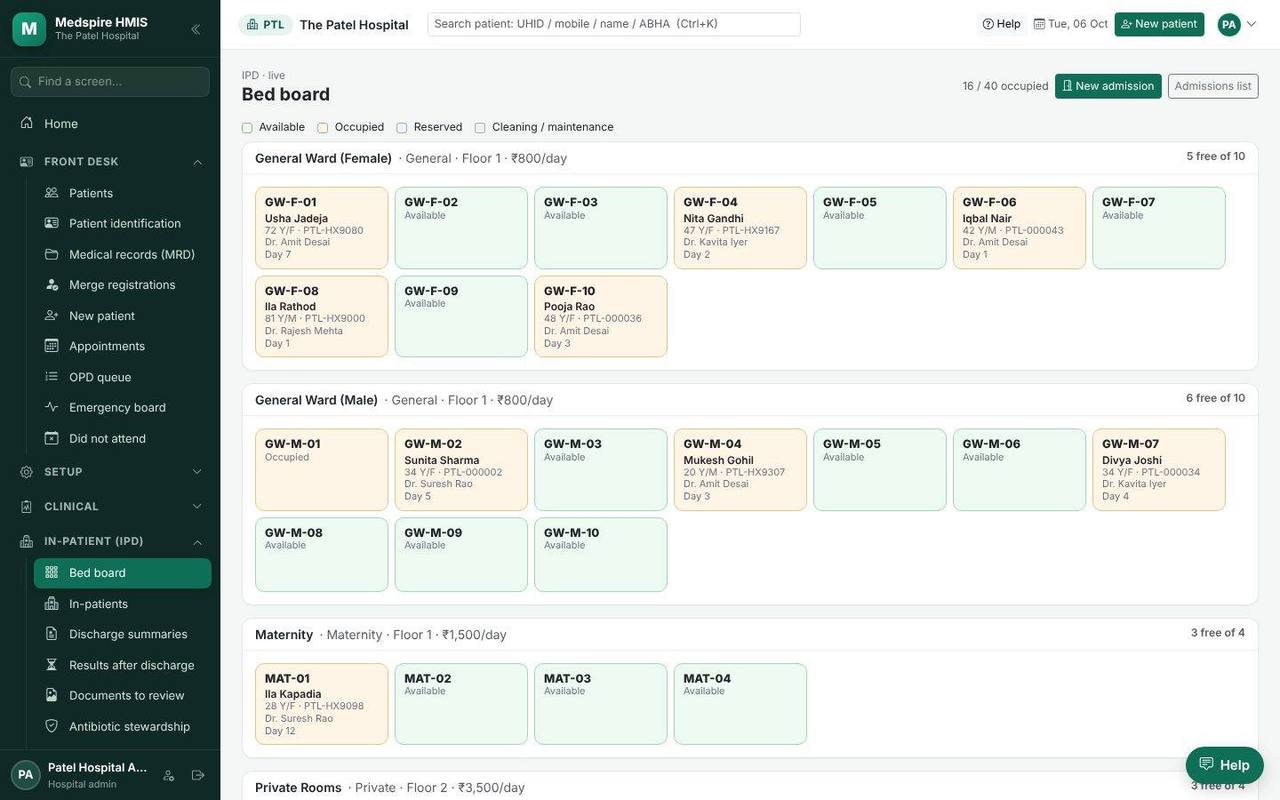
In-patient (IPD)
Beds and wards, admissions, rounds, the drug chart, early-warning scores, fluids, oxygen, catheters, restraints, handover, consent, transfers, deterioration, resuscitation status, stroke and heart-attack clocks, patient transport, mental health admissions, organ donation and discharge feedback — the ward as it actually runs.
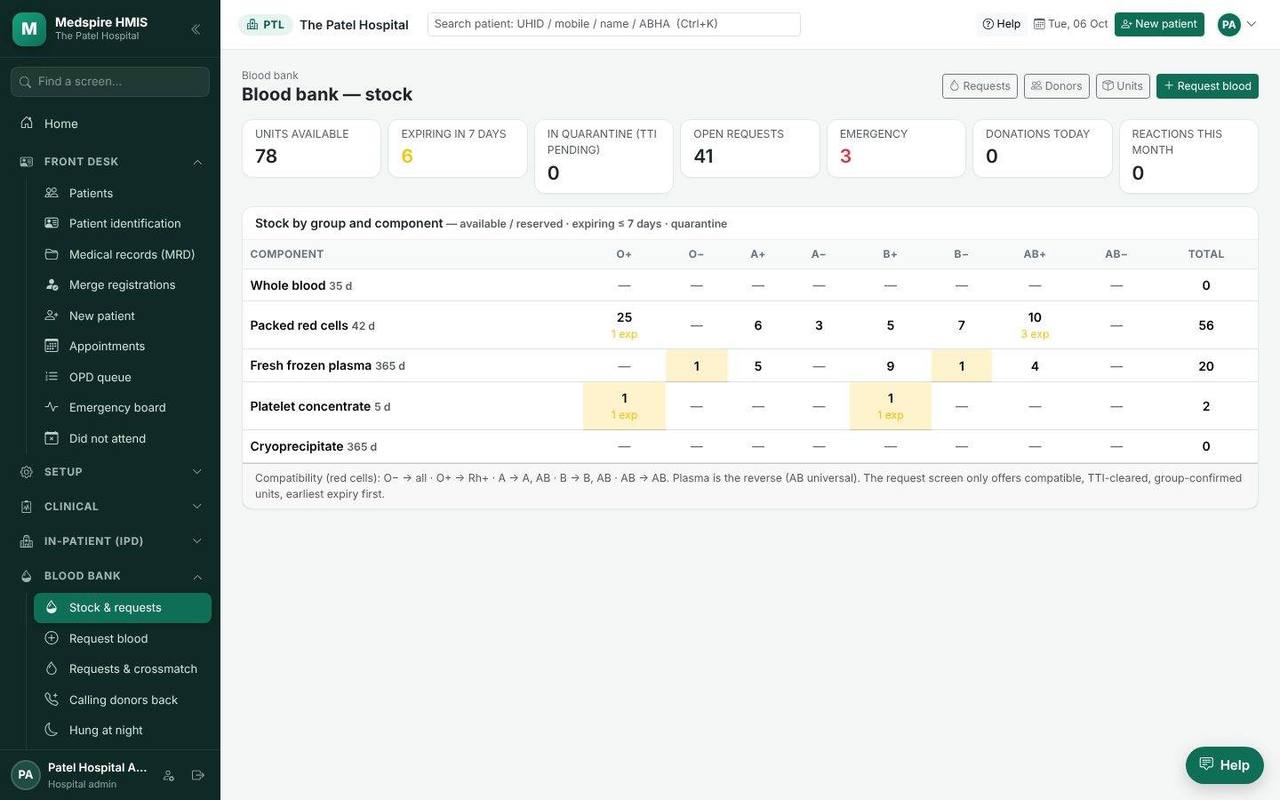
Blood bank
Donors, units, grouping and cross-match, requests, issue and transfusion reactions, expiries and the daily stock.
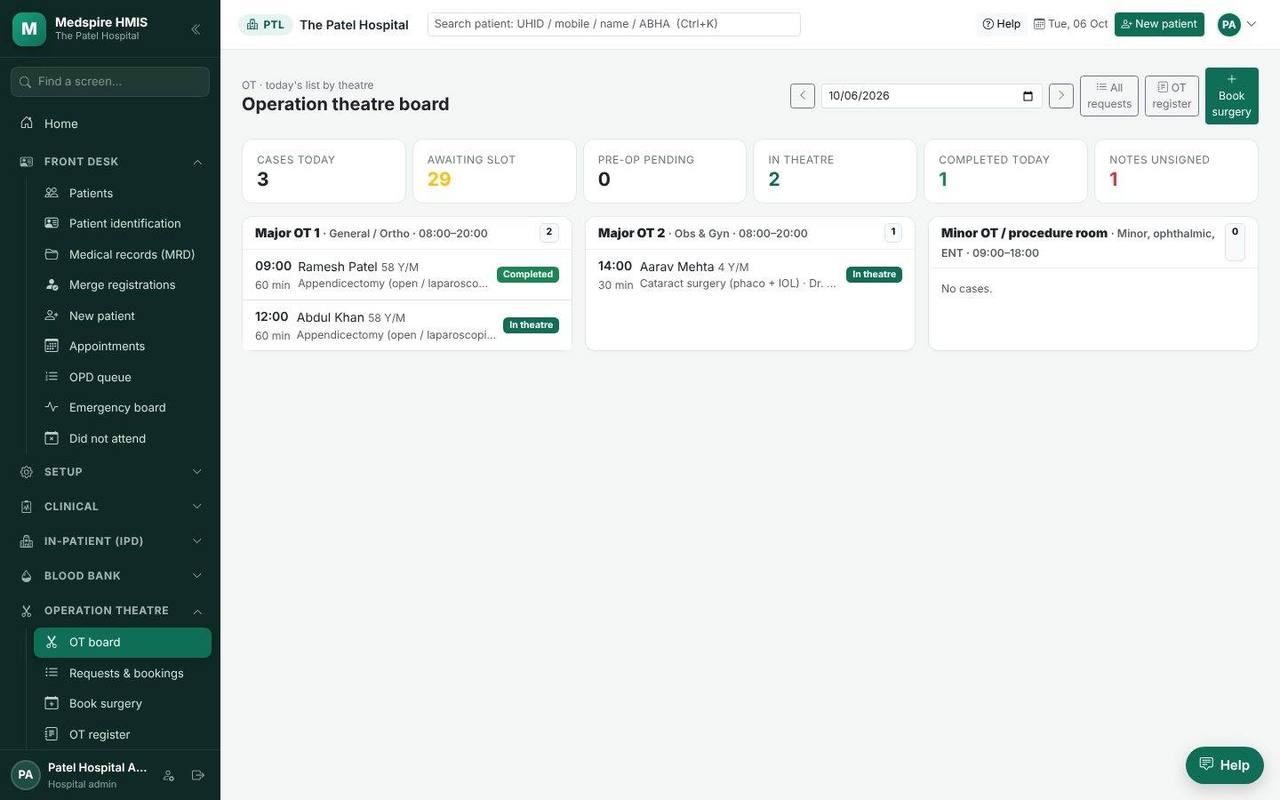
Operation theatre
Theatre lists, scheduling, the WHO checklist, counts, implants, anaesthesia record, specimens, consent, utilisation.
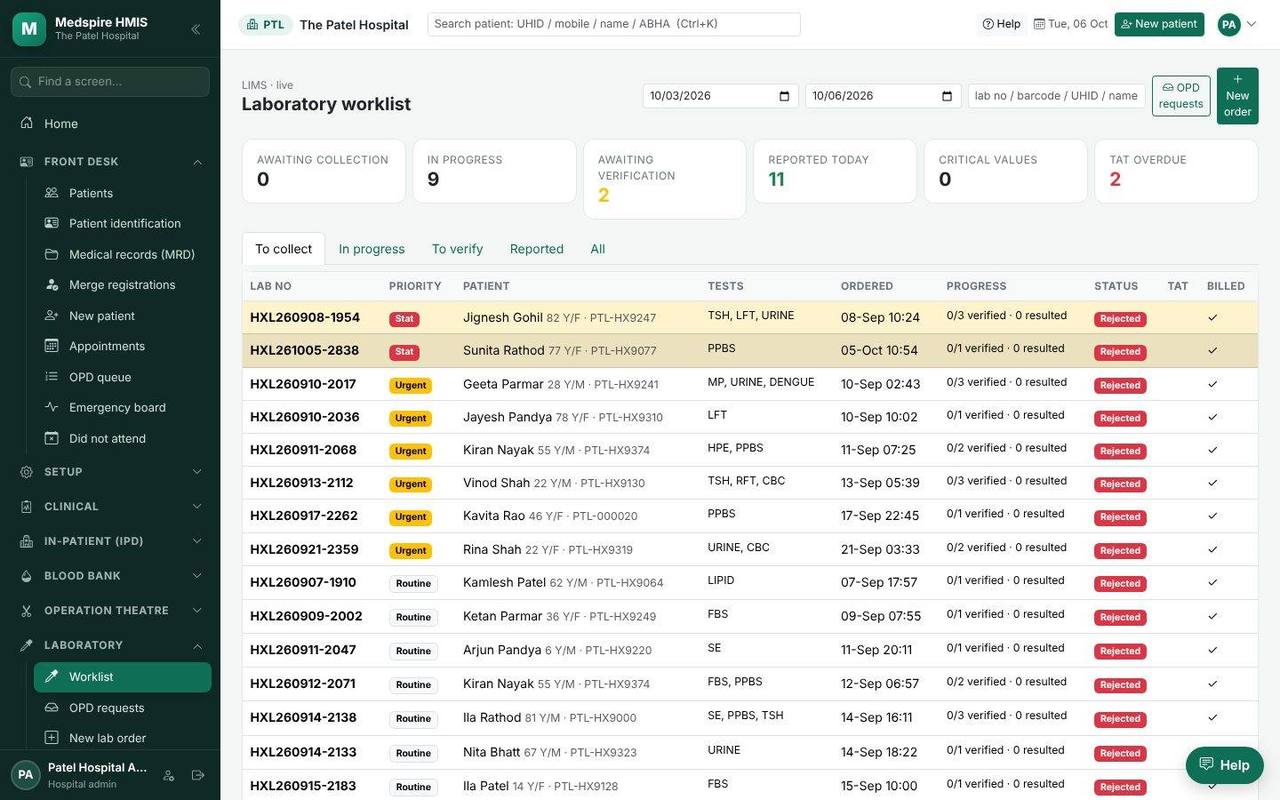
Laboratory
Orders, worklists, HL7 analysers, verification, critical results, QC, outsourcing, histopathology, TAT and the printed report with the letterhead.
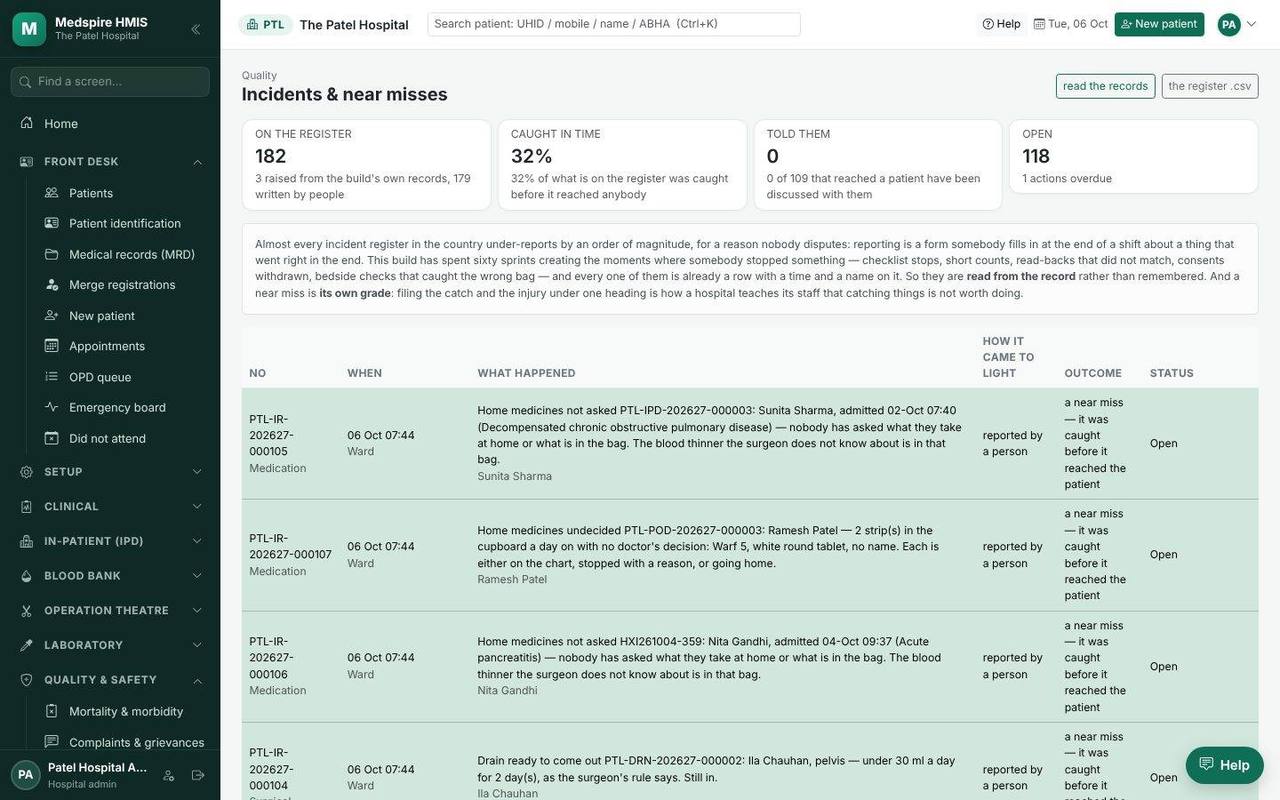
Quality & safety
Incidents and near misses, audits, hand hygiene observation, clinical record audit, staff immunisation and radiation dosimetry, system downtime, research participants, isolation, infection, complaints, mortality review, drills, NABH evidence.
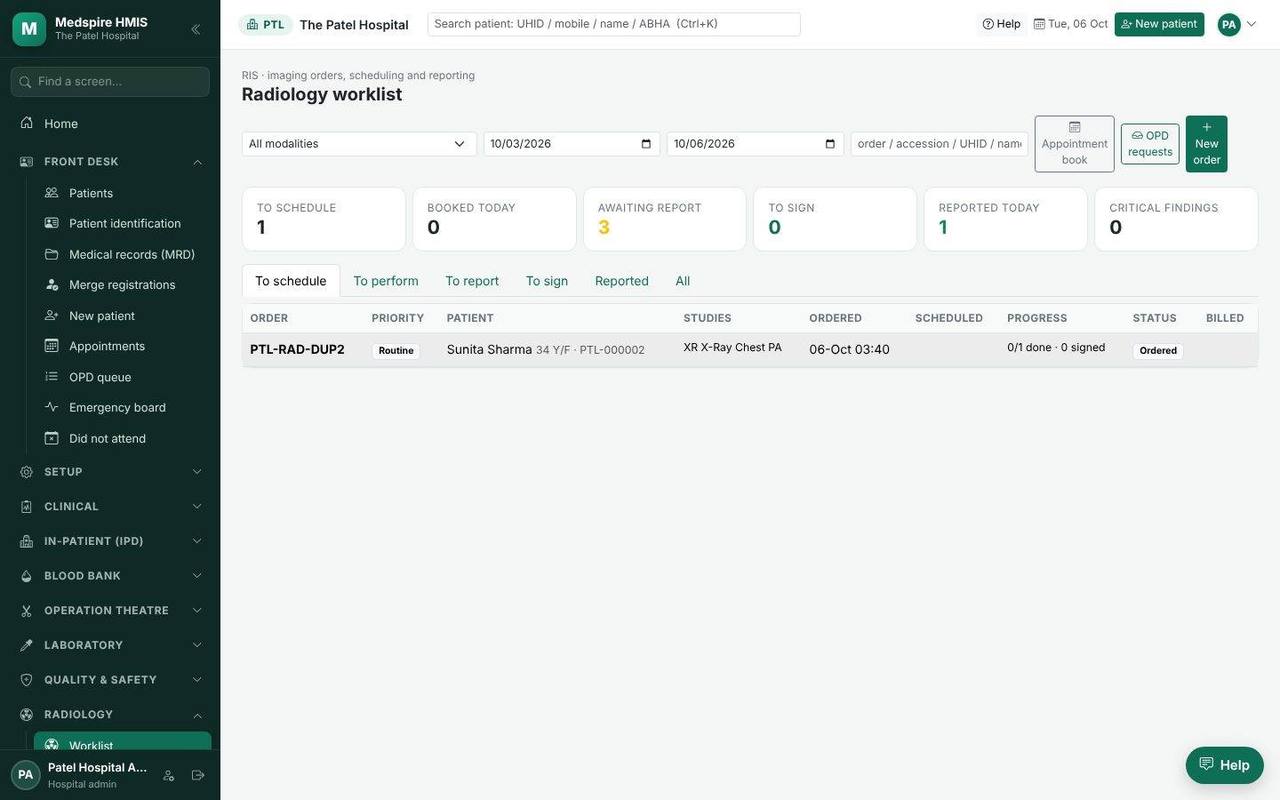
Radiology
Modality worklist and MPPS over DICOM, reporting, dose, films out and back, no-shows, TAT.
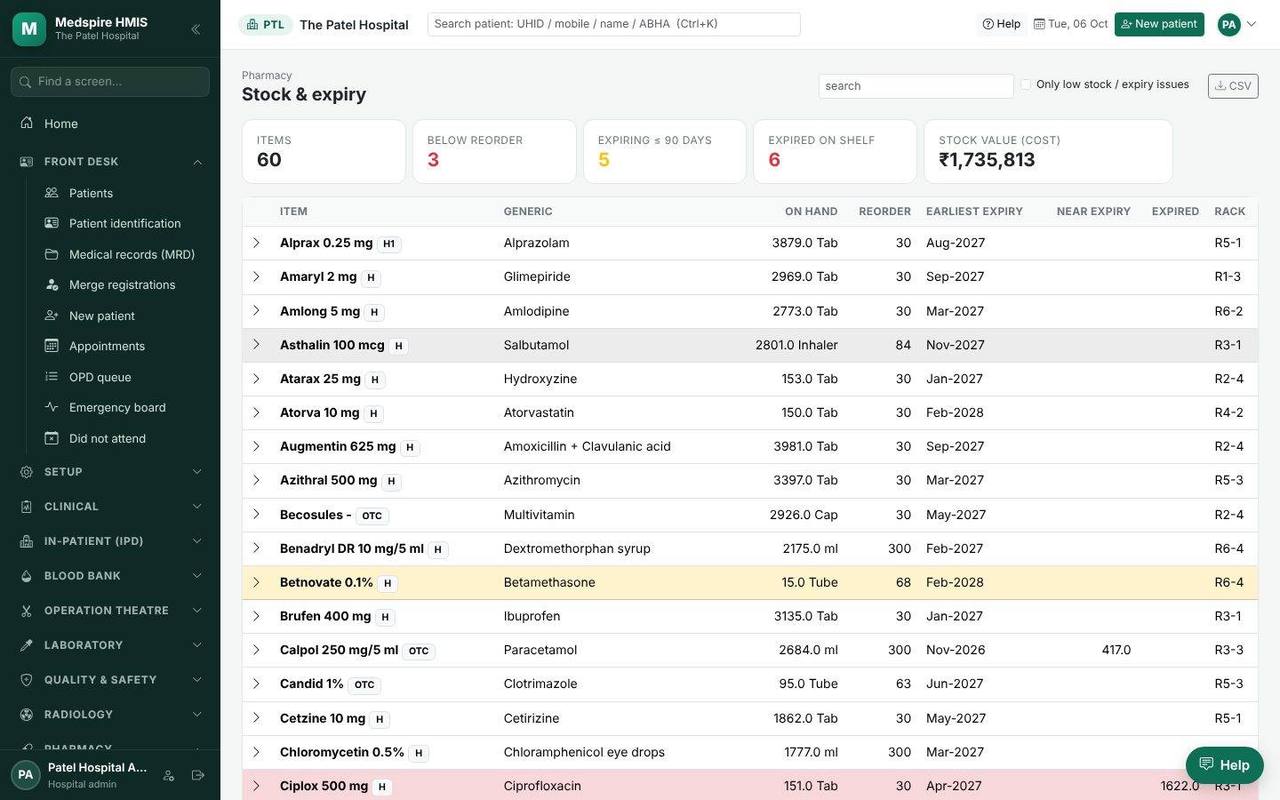
Pharmacy
Batch-wise stock, schedule H and narcotics, dispensing against the prescription, returns, expiry, indents, GST purchase.
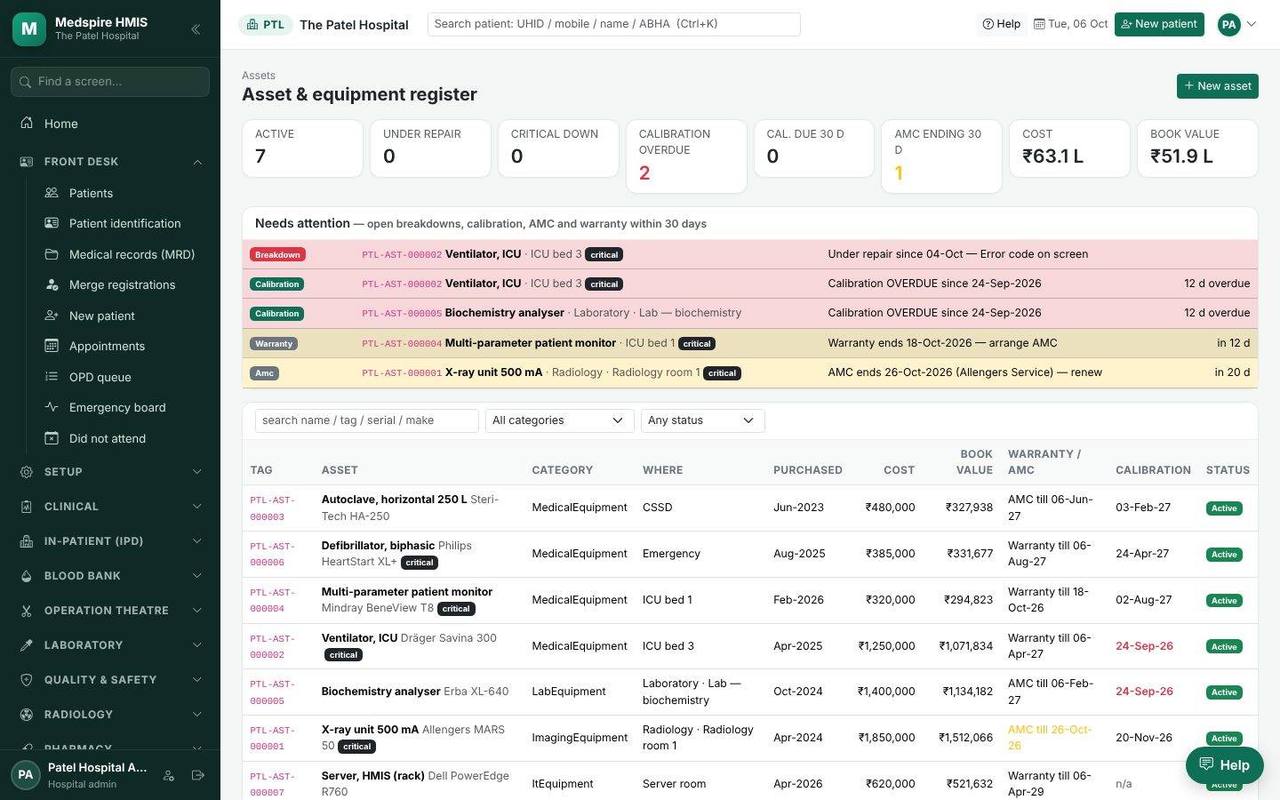
Stores & assets
Stores and indents, purchase orders, assets with maintenance and breakdowns, calibration, linen, waste, water plant, cold chain.
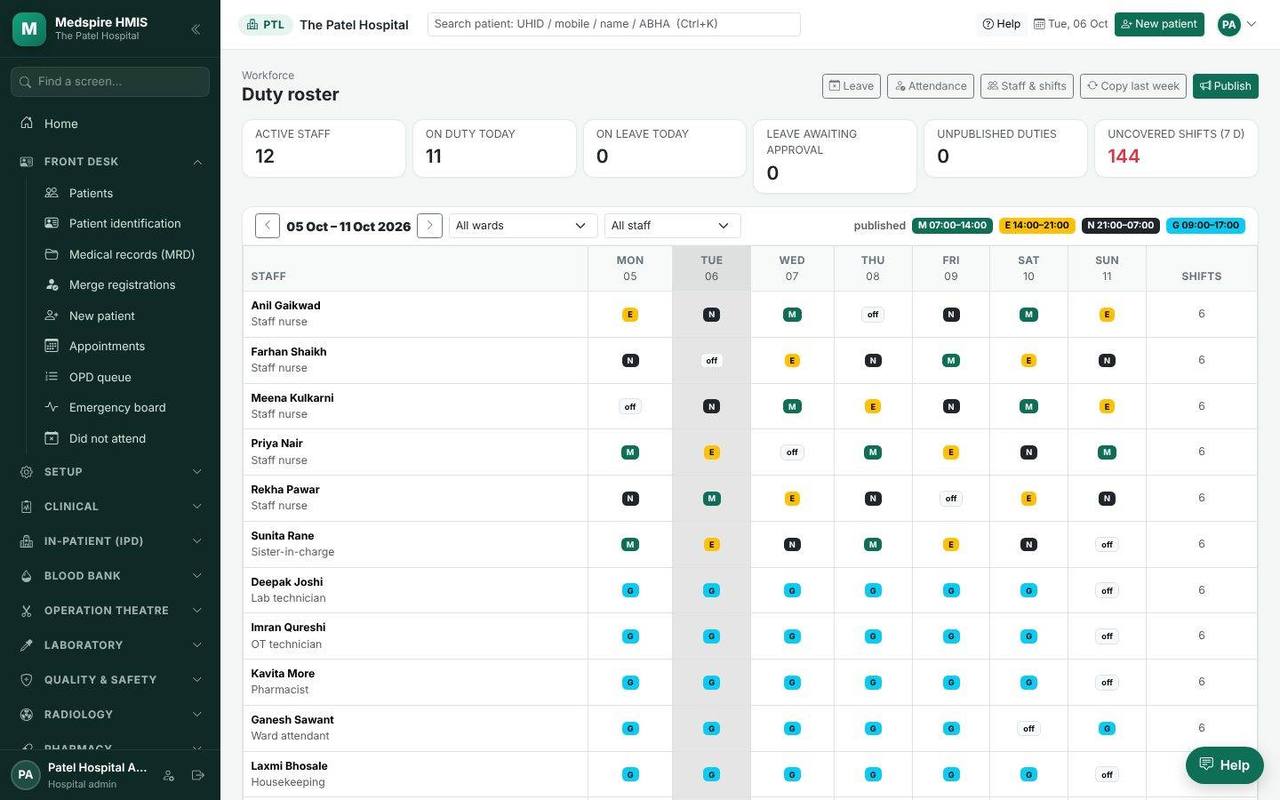
Workforce
Staff, roles and access, roster, attendance, leave, on-call, competency, payroll.
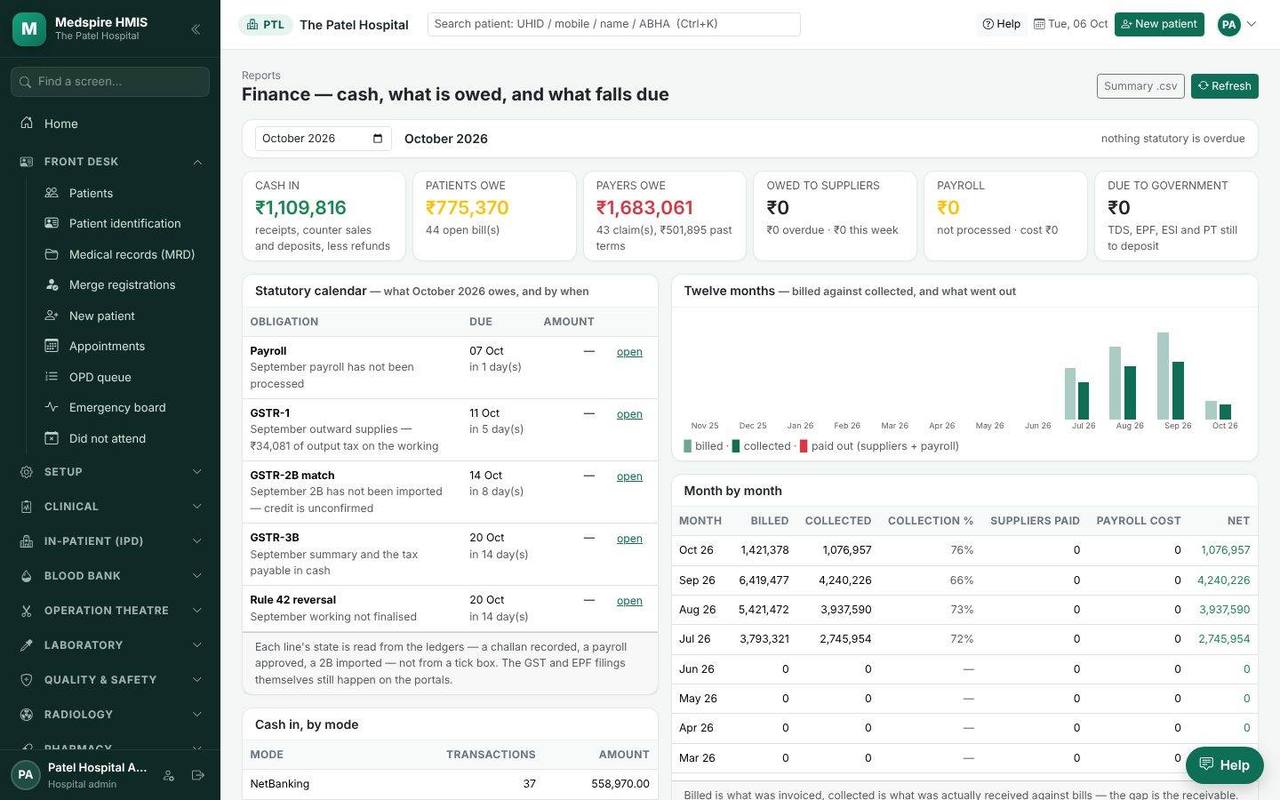
Billing
GST invoices and e-invoice, deposits, packages, discounts with approval, refunds, day-end, cashbook, payables, TDS, GST returns and the finance dashboard.
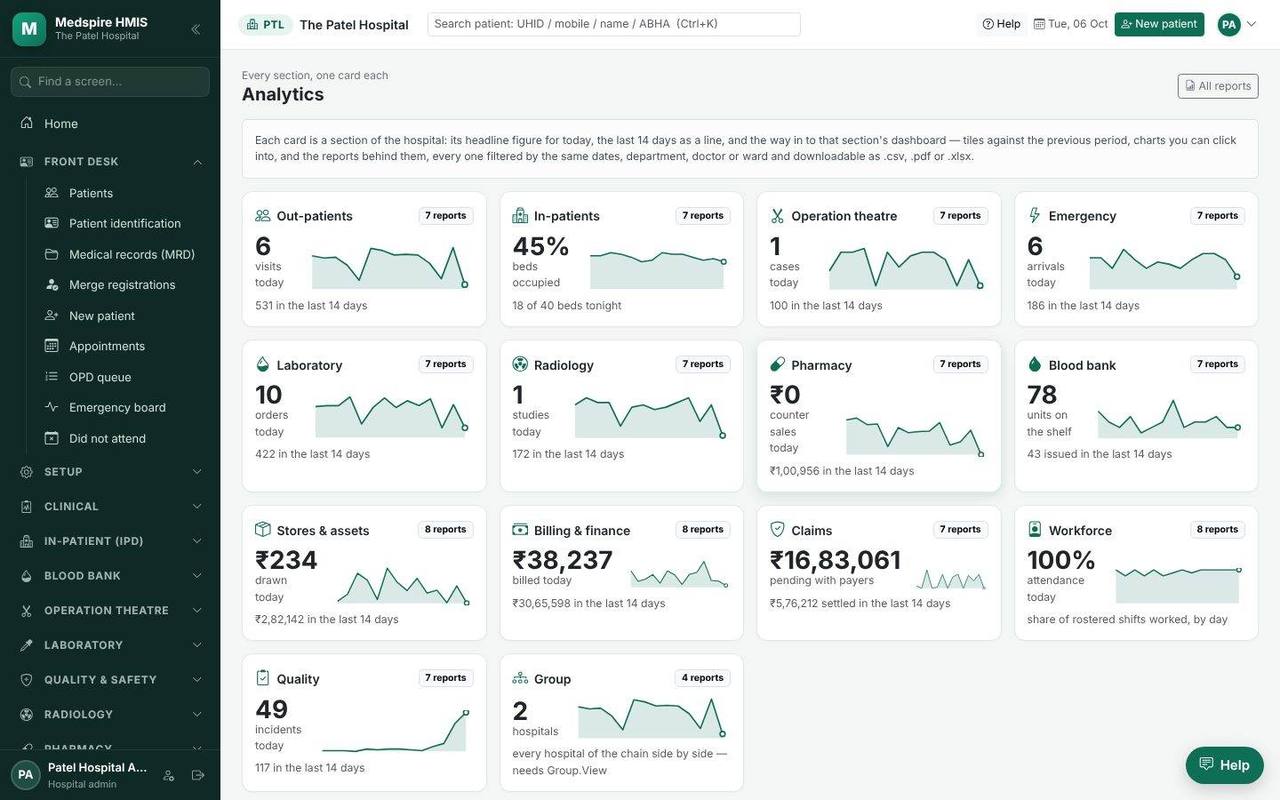
Analytics
Fourteen dashboards and ninety-eight reports with filters, drill-down and CSV/PDF/Excel export, on ninety days of seeded history in the demo.
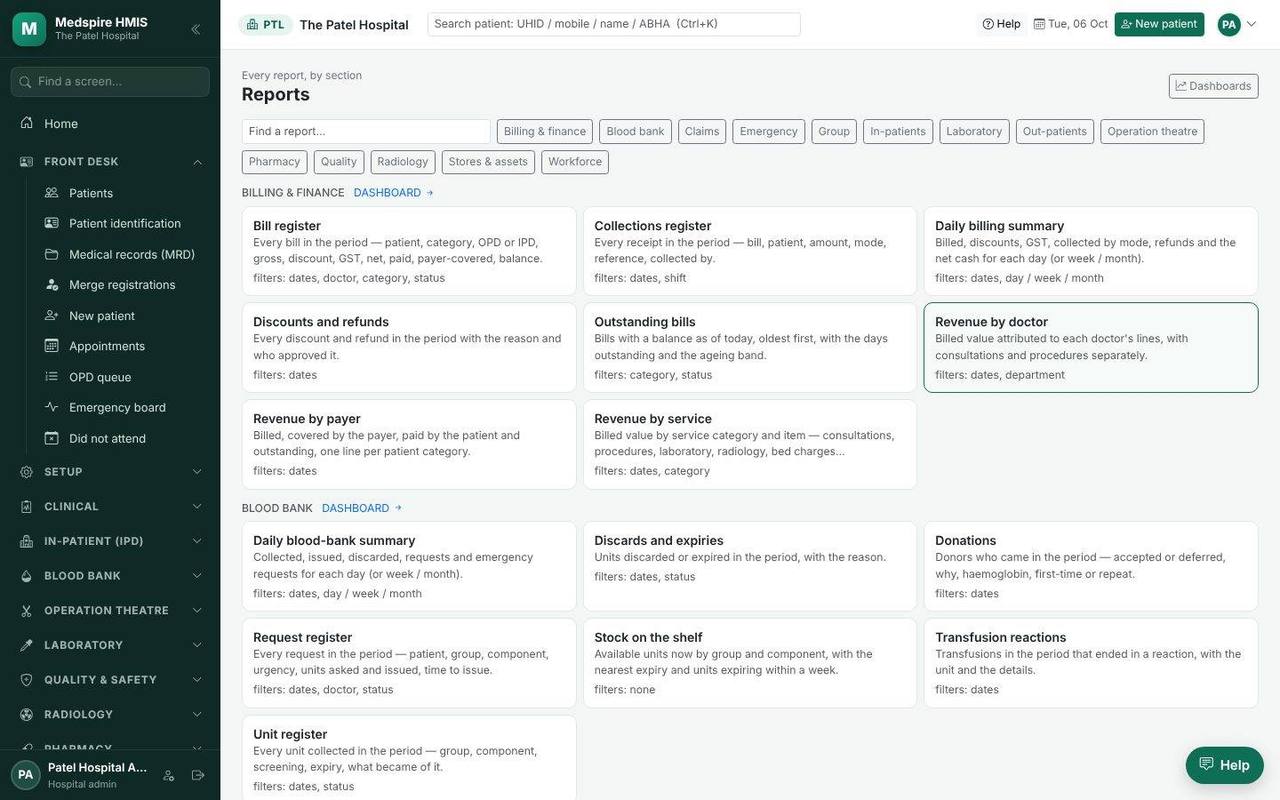
Reports
Registers and lists from every module — the OPD register, the admission register, the day book — to print on the letterhead or export to Excel.
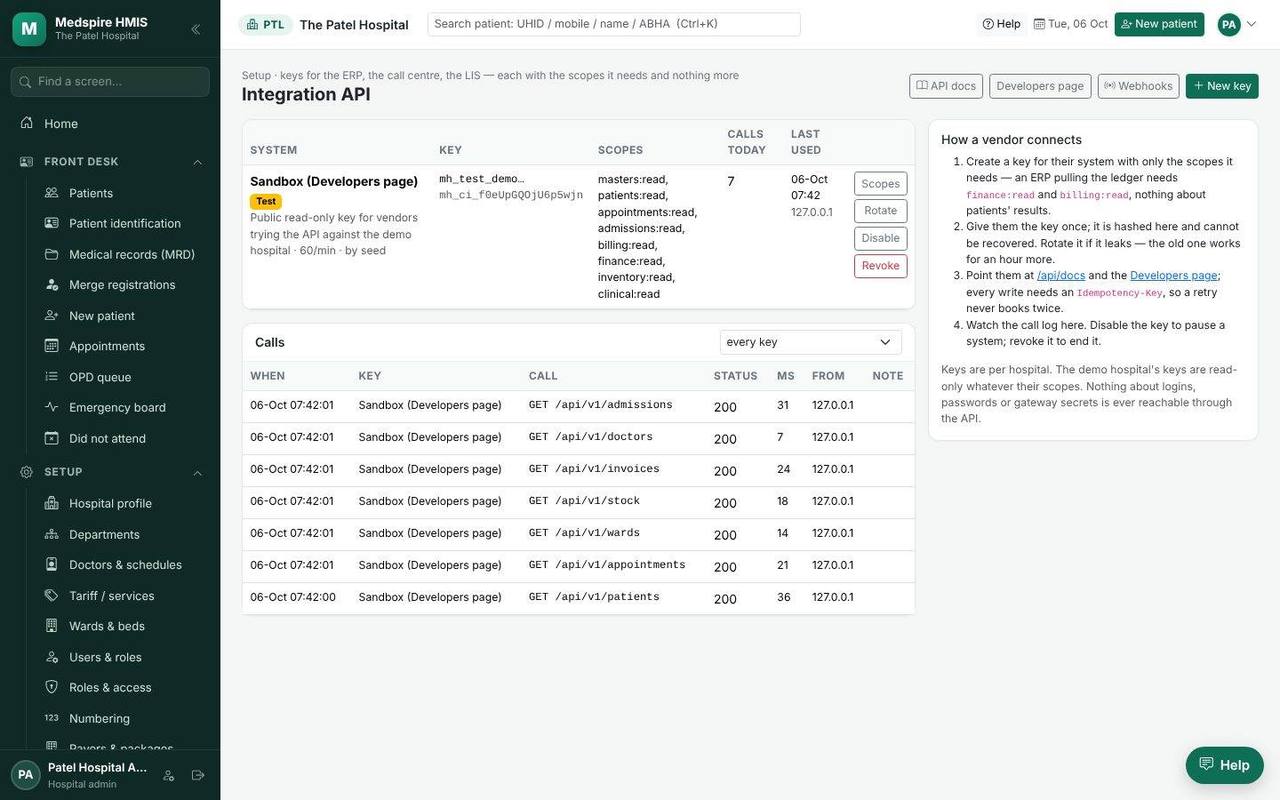
Setup
Hospital profile, departments, doctors, tariffs, tax, number series, users, letterheads, notification templates.

Support questions
How do I open help inside the app?
Press F1 or the ? in the header on any screen. The same article as on this site opens beside the screen, with the step-by-step and the story that put the screen there.
What does the assistant know?
It answers from the product's own help articles, release notes and ward stories, cites the screen it is talking about, and says "I don't know" rather than invent. It never reads patient data.
How do I reach a person?
Write to the support address in the footer or use the WhatsApp button; hospital plans include a phone line with a named person for the first month after go-live. Searches that find nothing here are read every week and become articles.
Where are the release notes?
Under What's new — every release, newest first, generated from the build's own status log. Each note says which screens changed and why.
I forgot my password.
Use "Forgot password" on the sign-in page; the reset goes to the e-mail on your user record. If two-factor is on and the phone is lost, your hospital administrator can clear it from Users & roles.
Can I try something without touching real data?
Yes — the demo hospital is a read-only copy with made-up patients. Every help article has a "Try it on the demo hospital" link that opens the right screen there.